
Desktop messenger built with Electron, Go, and LiveKit.
Direct messages, group chats, calls, screen sharing, and a self-hostable backend.
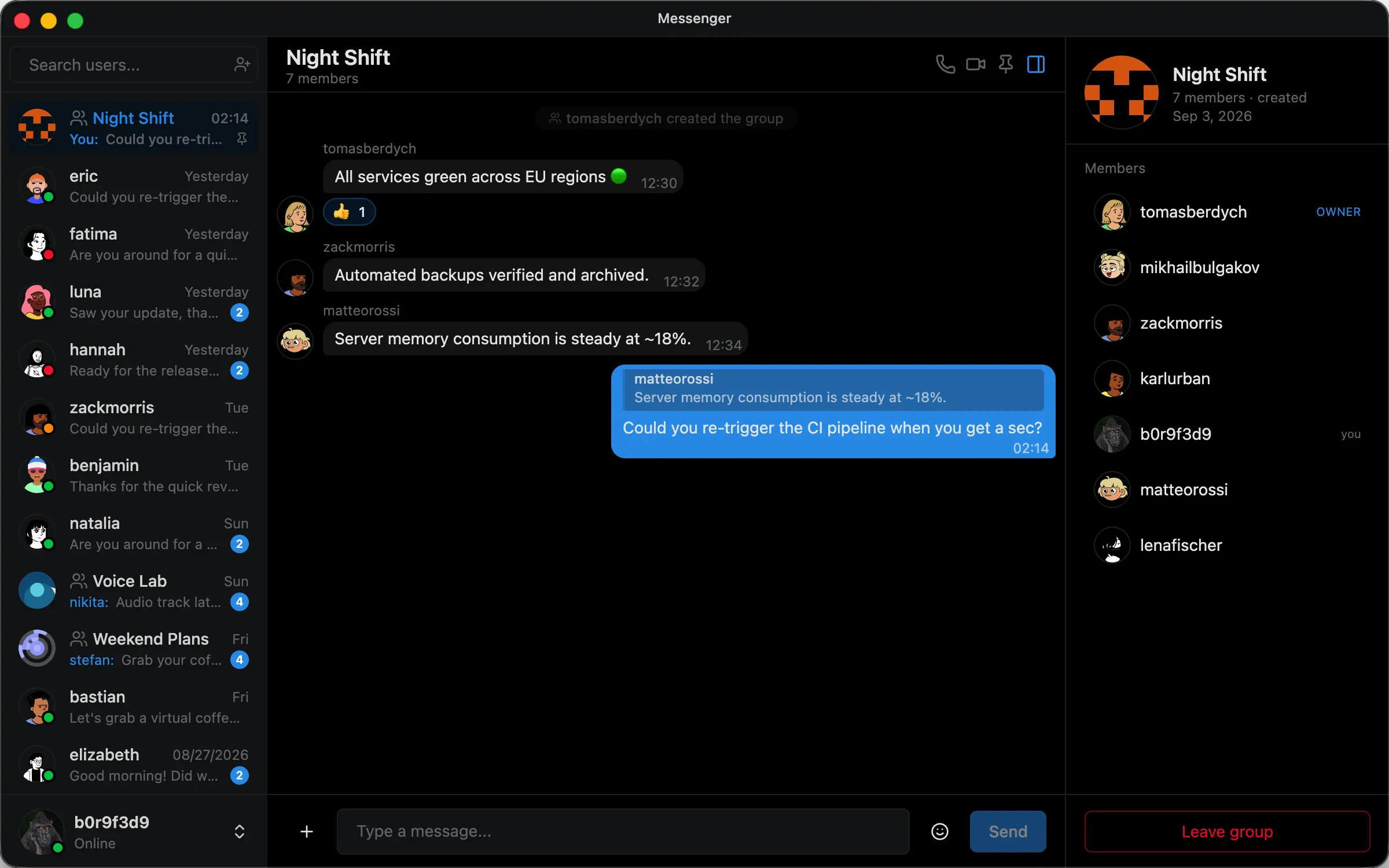
Direct messages, group chats, and realtime presence.
Persistent WebSocket connections deliver instant messaging, typing indicators, read receipts, and emoji reactions in a dedicated desktop window.
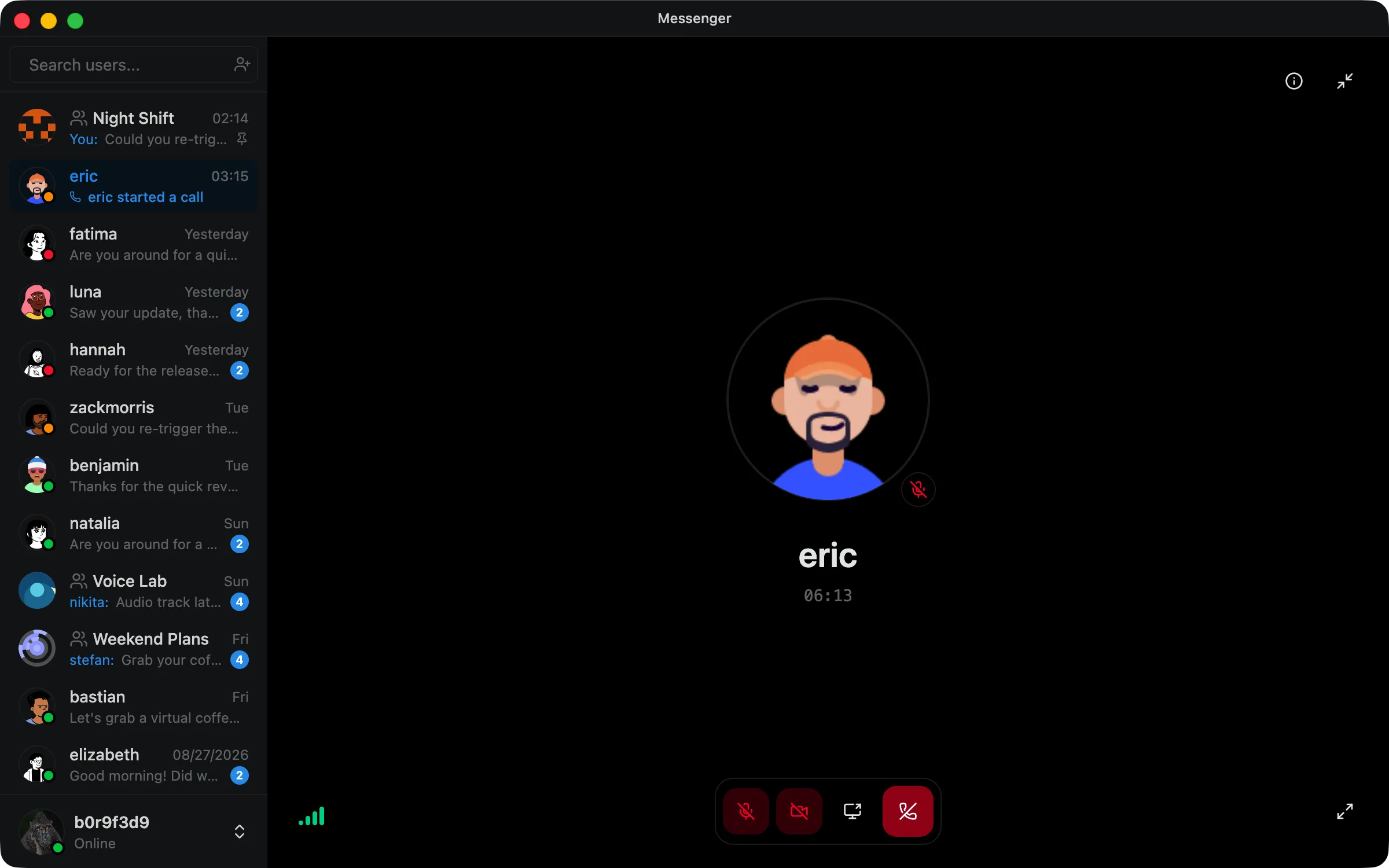
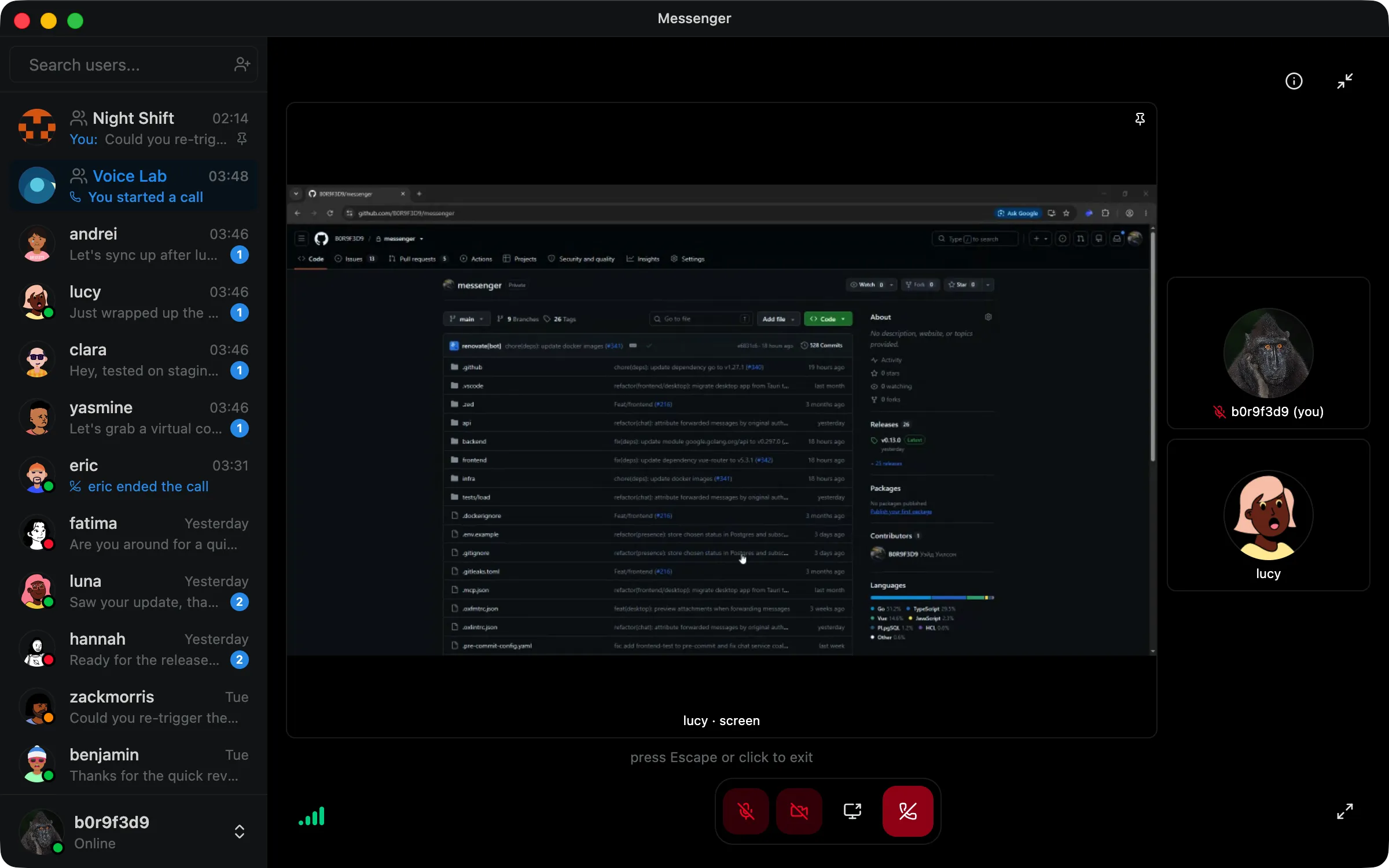
1-on-1 and group calls with screen sharing.
Talk face to face, share your screen, and stay connected with reliable real-time calls.
Go Backend
Handles authentication, call permissions, and LiveKit room access.
LiveKit + WebRTC
Real-time audio and video with low-latency media routing.
Screen Sharing
Share an application window or your entire screen.
Local Audio Processing
Noise suppression runs locally before audio is sent.
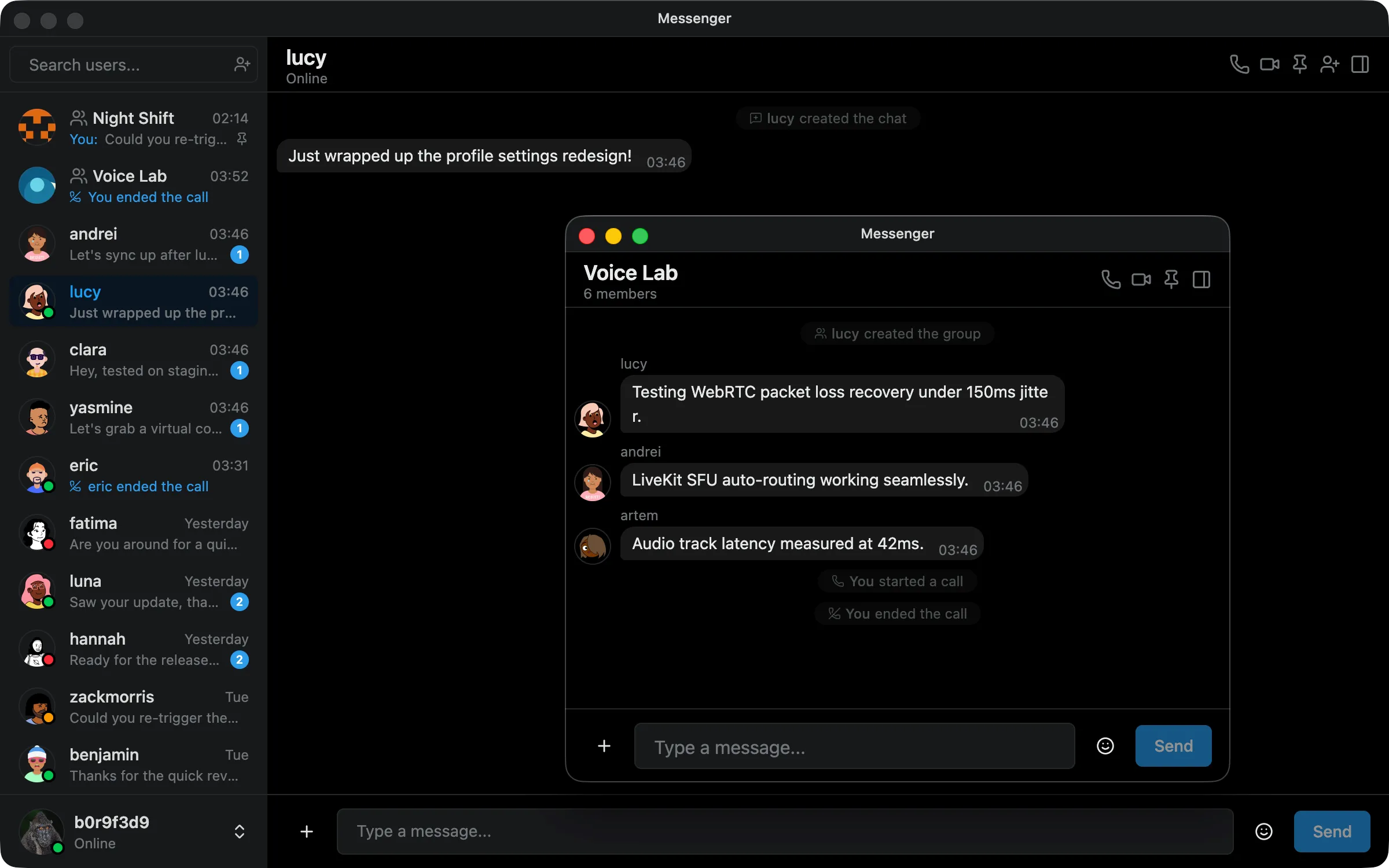
Independent windows for chats.
Keep multiple conversations open in separate desktop windows without losing realtime state.
Independent Chat Windows
Open any conversation in its own window and keep it alongside the main messenger.
Shared App State
All windows stay connected to the same session, keeping messages, presence, and realtime events in sync.
Electron IPC
Windows communicate through typed IPC while the main process manages shared application state and connections.
The source code is public.
The backend services, desktop app, and infrastructure are fully open source and available on GitHub under the MIT License.
Frequently asked questions.
Technical details, operational requirements, and design trade-offs.
No. Messages are encrypted in transit using TLS and stored on the server in PostgreSQL. Media attachments are stored in SeaweedFS. The project is designed for self-hosted deployments where administrators control the infrastructure. It is not designed as a zero-knowledge or whistleblower platform.
Download Messenger for desktop
macOS, Windows, and Linux builds are available for download.